Pivot Tools 1.49.1 – Precise Pivot Placement in Blender
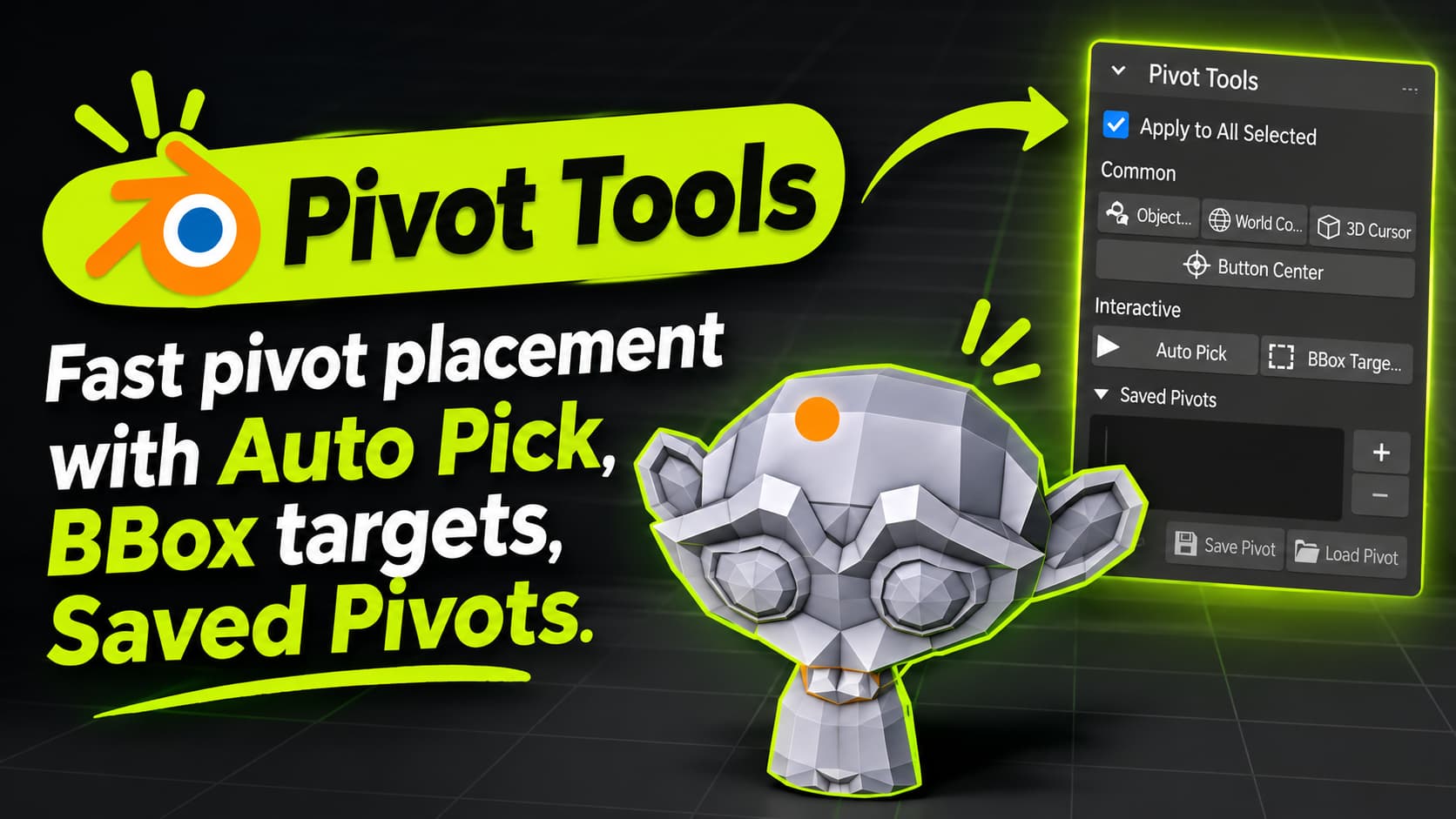
# Pivot Tools 1.49.1 – Precise Pivot Placement Made Easy in Blender
Struggling with Blender’s pivot system when you need precise control over object positioning? Pivot Tools is a practical Blender add-on designed to make pivot placement faster, easier, and more reliable.
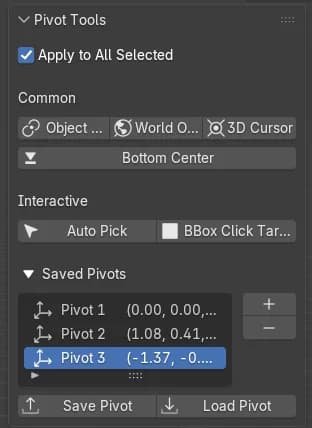
With interactive picking, bounding box targets, and reusable saved pivots, you can position pivots exactly where you need them without interrupting your workflow or unexpectedly changing your object transforms.
Whether you're modelling, blocking out scenes, or preparing assets for animation and game engines, Pivot Tools gives you a simple way to manage pivot positions directly inside Blender.
Key Features
- Auto Pick: Interactively place pivots by clicking directly on geometry.
- Bounding Box Targets: Quickly snap pivots to common positions around an object's bounding box.
- Saved Pivots: Store pivot positions and reuse them across different objects.
- Non-Destructive Workflow: Preserve object transforms without unwanted changes during pivot placement.
- Object & Edit Mode Support: Work with pivots in both modes.
- Clean N-Panel UI: Access the main tools through a compact and straightforward interface.
Pivot Tools 1.49.1 – What's New?
Version 1.49.1 introduces a major update: Curve Object Support, alongside improvements to transform handling and bounding box targets.
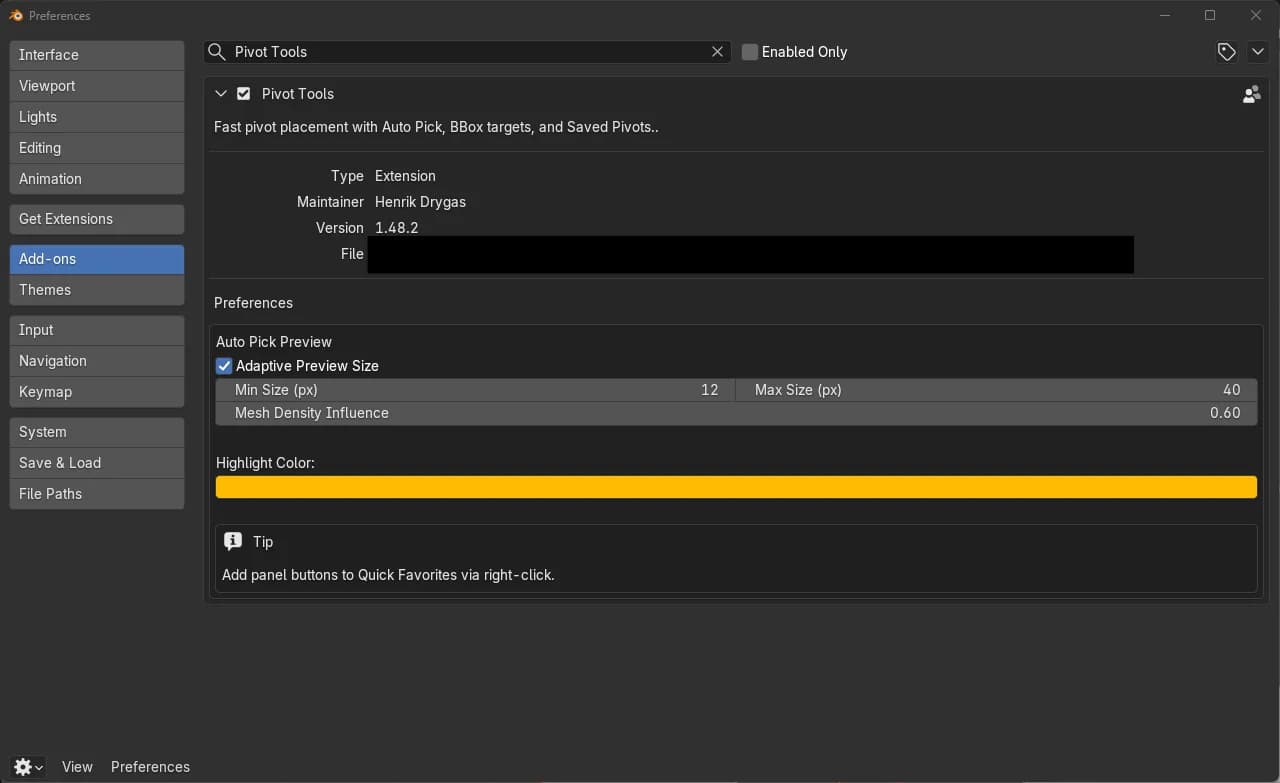
### Major Update: Curve Support
Pivot Tools now supports Curve objects throughout its main workflow.
- Full support for Curve objects.
- Auto Pick now works with Curve objects.
- Bounding Box Click Targets support Curves.
- Bottom Center placement works with Curves.
- Saved Pivots can be used with Curves.
- Apply to All Selected supports mixed Mesh and Curve selections.
- Curve Auto Pick supports Bézier, Poly, and NURBS control points and segment positions.
### Improved Transform Handling
Pivot placement is now more reliable when working with transformed objects.
- No need to automatically apply Location, Rotation, or Scale.
- Existing object transforms are preserved during pivot operations.
- Improved coordinate handling for rotated and scaled objects.
- Better handling of shared object data and Shape Keys.
### Bounding Box Target Improvements
The bounding box tools also receive several improvements:
- Click targets visually follow the rotation of a single selected Mesh or Curve.
- Target size remains consistent on screen and is not distorted by object scale.
- Combined multi-object bounding box targets remain world-aligned for predictable placement.
### General Improvements
- Internal code cleanup.
- Improved Blender Extension compatibility.
- Existing Mesh, Auto Pick, and Saved Pivot workflows remain unchanged.
Compatibility
- Minimum supported version: Blender 4.5 LTS.
- Supports Mesh and Curve objects.
- Compatible with Object Mode and Edit Mode.
Final Thoughts
Pivot Tools is a useful utility for Blender artists who want more control over pivot placement without unnecessary complexity.
With version 1.49.1, Curve support makes the workflow more flexible, while improved transform handling helps preserve existing object setups. If you regularly adjust pivots while modelling or preparing assets, this add-on can make the process much smoother.