Wire Studio 5.2 – Give Your Cables Some Character
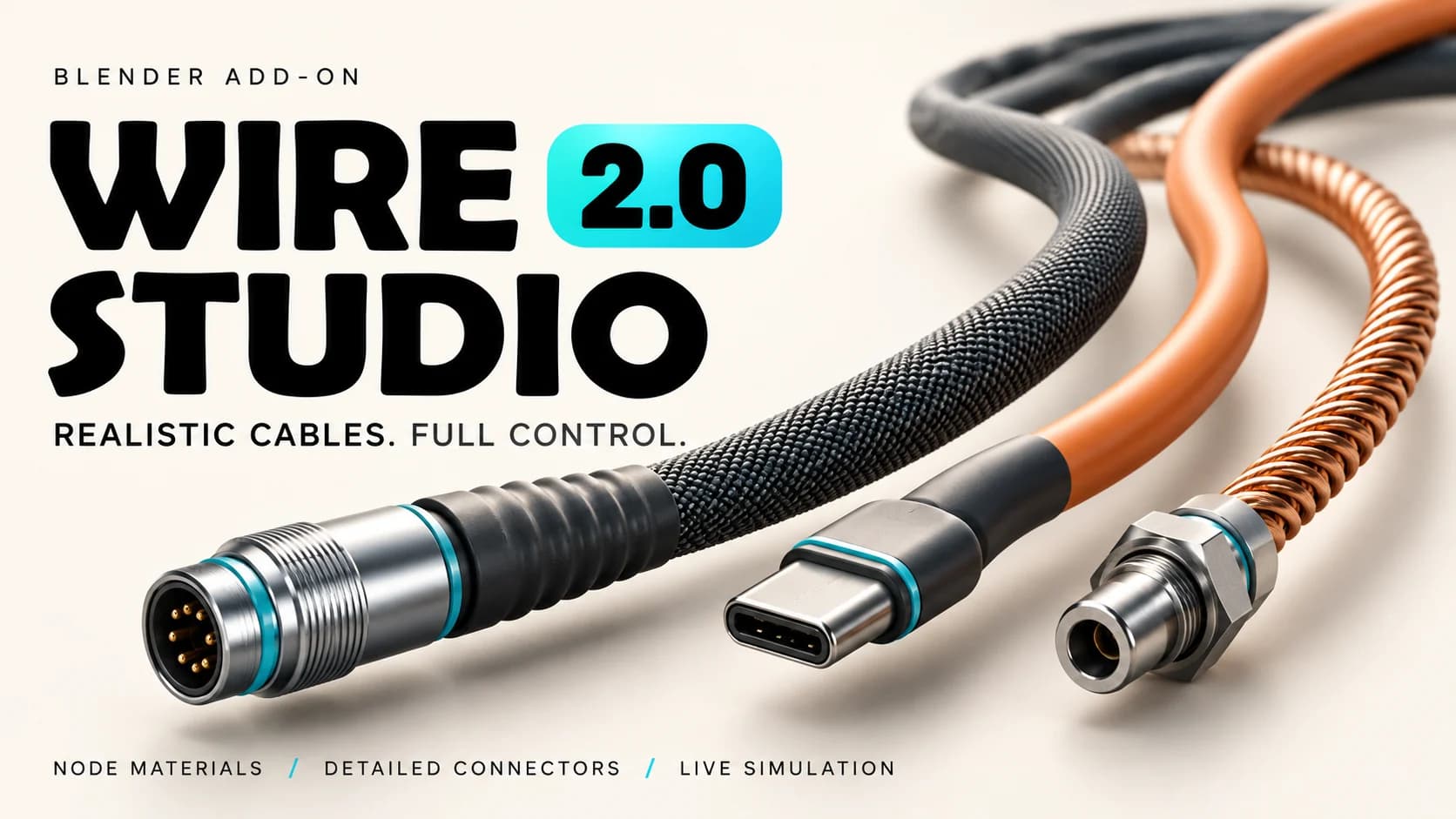
Wire Studio 5.2 – Give Your Cables Some Character 🔌
Creating realistic cables in Blender can take time, especially when working with materials, connectors, cable ties, and complex shapes. Wire Studio 5.2 makes this process easier with ready-to-use presets and customizable tools designed to give your cables a more realistic appearance.
The latest version introduces more realistic cables, improved hardware, and a smoother workflow, making it easier to create everything from simple electrical wires to detailed industrial hoses.
12 Ready-to-Use Cable Presets
Wire Studio 5.2 includes 12 presets covering different cable styles and applications.
These presets include woven sleeves, rubber cables, industrial hoses, coiled audio cables, and more.
You can quickly choose a cable style and customize it to fit your scene without building everything from scratch.
Realistic Procedural Materials
Wire Studio includes procedural materials built with Blender's material nodes.
These materials feature adjustable textures, allowing you to customize the appearance of your cables directly inside Blender.
Detailed Connectors and Bend Reliefs
The add-on also provides detailed connectors and bend reliefs to make cables look more realistic.
You can customize the start and end of each cable independently, giving you more flexibility when creating different cable designs.
Cable Ties and Mounts
Wire Studio 5.2 includes fitted ties and mounts for organizing cables.
You can gather cables together and adjust the strength and falloff of the ties to achieve the desired result.
Improved Interface and Workflow
Version 2 introduces several improvements designed to make cable creation easier and smoother:
- Visual Preset Picker: Browse and select cable presets through a cleaner interface.
- Two-Surface Placement: An easier way to place cables between two surfaces.
- Lightweight Previews: Automatic lightweight previews while editing.
- Final Render Quality: Finished detail is restored for rendering.
These improvements help make the editing process smoother while maintaining detailed results in the final render.
Compatibility
Wire Studio 5.2 is made for Blender 5.2 and above.
It was built and tested in Blender 5.2 LTS.
How to Use Wire Studio 5.2
You can watch the official usage demonstration in the video below to see how the add-on works and how to create cables inside Blender.
Conclusion
Wire Studio 5.2 is a useful Blender add-on for artists who want to create realistic cables without spending too much time building them manually.
With 12 ready-to-use presets, procedural materials, detailed connectors, cable ties, and an improved interface, it offers a smoother workflow for creating cables in different 3D projects.