Aatish FX Lite – One-Click 3D Fireworks for Blender
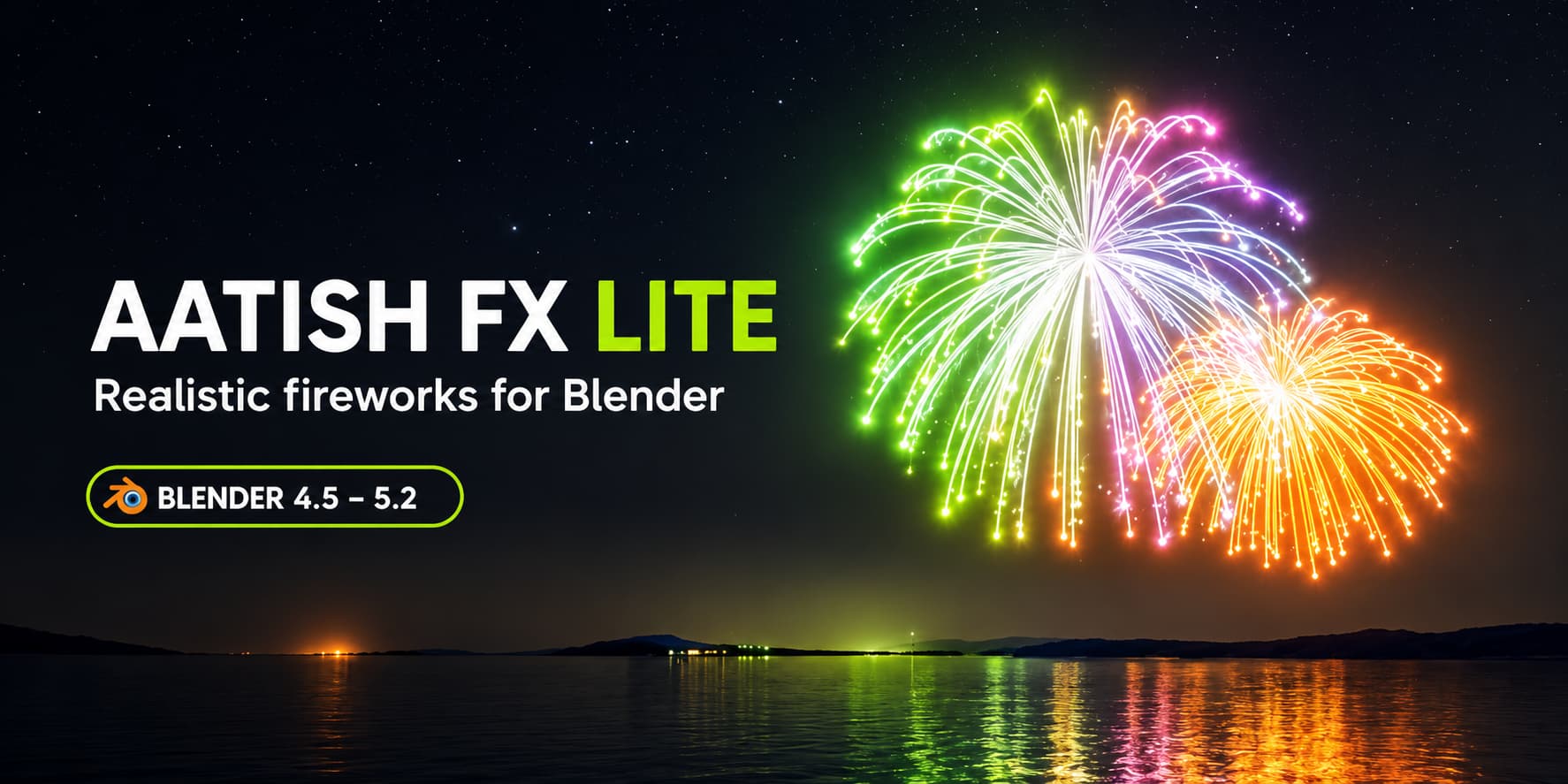
# Aatish FX Lite – Create 3D Fireworks in Blender with One Click
Aatish FX Lite is a free Blender add-on that lets you create a complete 3D fireworks show with just one click. Rockets launch from the ground, shells explode into colorful bursts, and glowing trails bring your scene to life.
Simply open the Aatish FX tab in the 3D Viewport sidebar, click Create Fireworks Show, and the add-on automatically builds the fireworks display in front of your camera. If your scene doesn't have a camera, Aatish FX Lite adds one for you.
Key Features
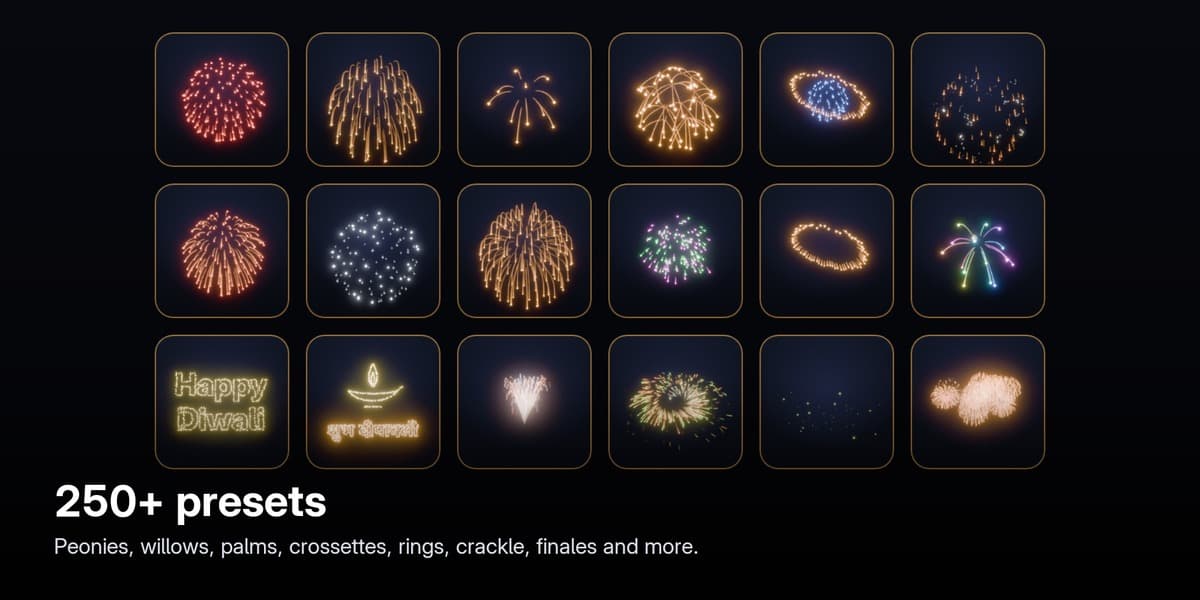
- 12 Classic Firework Shells: Create different fireworks, including peonies and chrysanthemums, with multiple colors, two-tone effects, and different sizes.
- Real 3D Geometry: The fireworks are actual 3D geometry, allowing you to move your camera freely—even through an explosion.
- Fit to Camera: Automatically positions the fireworks within your camera view at real scale while maintaining the ground height.
- Customizable Settings: Adjust brightness, size, gravity, show speed, start time, and variation. Every setting can be keyframed.
- Custom Backgrounds: Choose between a night sky, a plain black background, or your own World settings.
- One-Click Bloom: Add a glowing bloom effect to enhance the fireworks.
- EEVEE and Cycles Support: The fireworks maintain the same look in both render engines.
- No Simulation or Baking: Scrub through the timeline and render any frame independently.
- Render Farm Friendly: Saved projects can render on machines that don't have the add-on installed.
- MP4 Export: Render your fireworks show directly to an MP4 video.
How to Use Aatish FX Lite
- Download the add-on ZIP file.
- Go to Edit > Preferences > Get Extensions > Install from Disk and select the ZIP file. Do not extract it.
- In the 3D Viewport, press N to open the sidebar.
- Select the Aatish FX tab.
- Click Create Fireworks Show to generate the fireworks.
- Switch to Rendered or Material Preview mode, press Numpad 0 to view through the camera, and press Space to play the animation.
- Go to Render & Output > Render Fireworks to export your show as an MP4 video.
Compatibility
Aatish FX Lite supports:
- Blender 4.5 LTS
- Blender 5.1
- Blender 5.2
- EEVEE and Cycles
- CPU and GPU rendering
The add-on has been tested on Windows and is built entirely with Python and Geometry Nodes. It does not require compiled files.
Free and Open Source
Aatish FX Lite is completely free. No registration or license key is required.
It is released under the GPL-3.0-or-later license.
If you want to create impressive fireworks animations in Blender without building every effect manually, Aatish FX Lite is worth checking out.